Understanding SEO Basics
What is SEO?
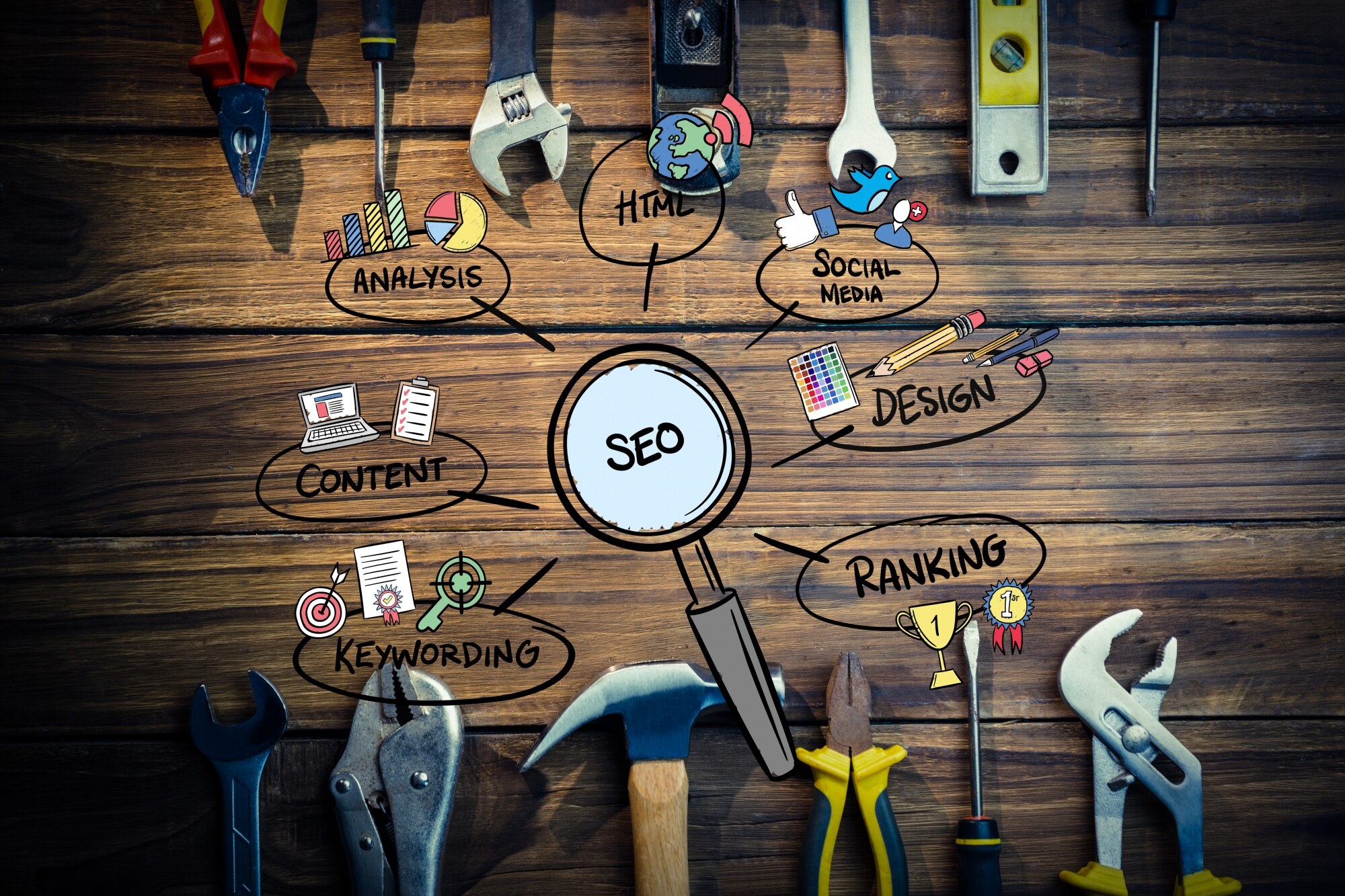
SEO stands for Search Engine Optimization. It is a set of practices designed to improve the appearance and positioning of web pages in organic search results. Because search is one of the main ways people discover content online, a higher ranking in search engines can lead to increased website traffic. SEO involves making changes to your website design and content to make your site more attractive to a search engine. For a more in-depth understanding, you can explore this beginner's guide to SEO.
For more on this topic, see does my business really need a website.
Why SEO Matters for Small Businesses
For small businesses, SEO is a crucial tool for gaining visibility online. Unlike paid ads, which stop working as soon as you stop paying, SEO provides long-term benefits. By optimizing your website, you can attract more visitors, which can lead to increased sales and customer loyalty. With the right SEO strategies, even small businesses can compete with larger companies. It's all about making sure your business is found by people searching for the products or services you offer. For more tips on marketing your business, visit our marketing guide.
Key SEO Terms to Know
- Keywords: Words or phrases that describe what your content is about. Using the right keywords helps search engines understand your content.
- Meta Tags: Snippets of text that describe a page's content; the meta tags don't appear on the page itself, but only in the page's code.
- Backlinks: Links from other websites to your site. They can improve your site's authority and search engine ranking.
- Organic Traffic: The visitors that land on your website as a result of unpaid search results.
- On-Page SEO: Refers to all measures that can be taken directly within the website in order to improve its position in the search rankings.
Understanding these basics is the first step in improving your website's SEO. With this foundation, you can build a more comprehensive strategy to enhance your online presence.
Choosing the Right Website Platform

Building a website is an essential step for any small business owner. Picking the right platform can make a big difference in how easy it is to manage your site and how much it costs. In this section, we'll explore popular website builders, compare CMS and static sites, and consider affordability.
Popular Website Builders
Website builders are user-friendly tools that allow you to create a website without needing coding skills. Some of the most popular ones include platforms like Wix, Squarespace, and WordPress.com. These builders offer templates and drag-and-drop features, making it easy for non-developers to design a professional-looking site. According to the FCC, using such platforms can also ensure better compliance with web standards.
CMS vs. Static Sites
When choosing a platform, it's important to understand the difference between a Content Management System (CMS) and static sites. A CMS like WordPress or Joomla! allows you to easily update content, making it ideal for blogs or businesses that plan to post updates frequently. On the other hand, static sites are made up of fixed files that don't change unless manually updated. They can be faster and more secure but require more effort to update.
Affordability Considerations
Cost is a key factor for many small businesses. Website builders often offer tiered pricing plans, so you can start with a basic package and upgrade as your business grows. Look for platforms that offer free trials or low-cost starter plans. When considering a CMS, remember that while the software itself might be free, there can be costs for hosting, themes, and plugins. Static sites might save on ongoing costs, but initial setup can be expensive if you need to hire a developer.
For more information on what to consider when choosing a website platform, you can refer to resources from the Federal Trade Commission, which provides guidelines on online business practices.
Affordable Hosting Solutions

Choosing the right hosting solution is crucial for small business owners who want to ensure their website runs smoothly without breaking the bank. Let's explore the different types of hosting and how you can select the best option for your needs.
Types of Hosting Explained
- Shared Hosting: This is the most common and affordable option. Your website shares server resources with other sites, which can be cost-effective but may affect performance during high traffic periods.
- VPS Hosting: A Virtual Private Server (VPS) offers more control and resources than shared hosting. It's like having a dedicated portion of a server, making it a good choice if you expect moderate traffic.
- Dedicated Hosting: With this option, you have an entire server to yourself. It's ideal for high-traffic websites but comes at a higher cost.
- Cloud Hosting: This flexible option uses multiple servers to balance the load and maximize uptime. It's scalable and can be a good fit for growing businesses.
Choosing a Host for Your Needs
When selecting a host, consider your website's current and future needs. If you expect your business to grow rapidly, investing in a scalable option like cloud hosting might be wise. Evaluate potential hosts based on their customer support, uptime guarantees, and ease of use. For more detailed guidance, the FTC's guide on web hosting can provide helpful tips.
Cost-Effective Options
For businesses on a tight budget, shared hosting is often the most economical choice. Many providers offer competitive rates and introductory discounts for new customers. It's important to read the fine print for any hidden fees or renewal rates. Additionally, some companies offer free trials or money-back guarantees, allowing you to test their services with minimal risk.
Before deciding, compare different hosts and read reviews to ensure you're getting the best value for your investment. Websites like PCMag offer comparisons and expert reviews of various hosting services, which can help in your decision-making process.
Keyword Research Made Easy
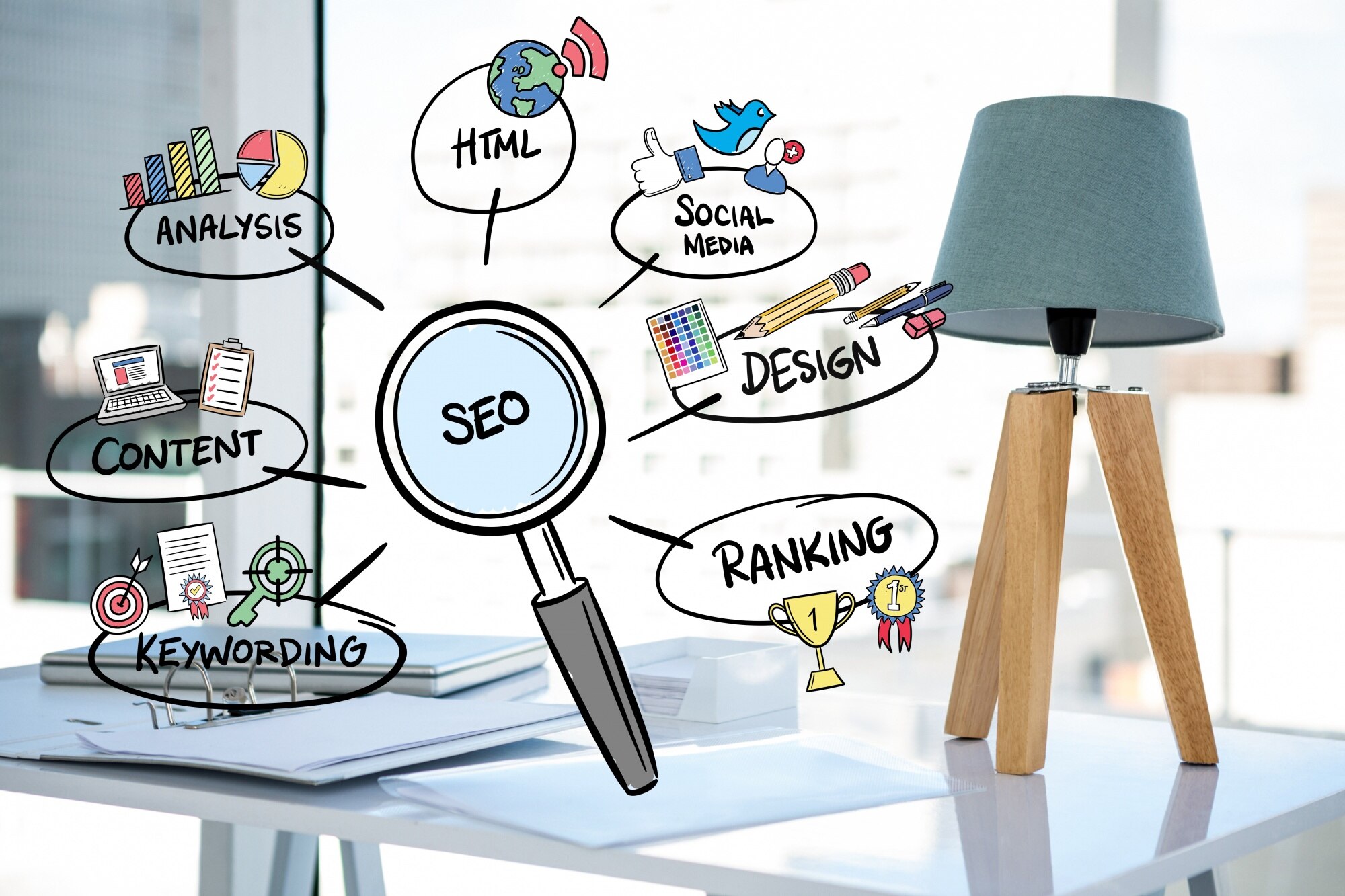
Keyword research is a crucial part of SEO that can help your small business website attract more visitors. By understanding what your audience is searching for, you can optimize your content to meet their needs. Let's explore some easy ways to conduct keyword research without needing a developer's help.
Tools for Keyword Research
There are several tools available that make keyword research simple and effective. Free tools like Google Keyword Planner allow you to find popular search terms related to your business. Another great option is SEMrush, which offers insights into keywords and competitor strategies. These tools provide data on search volume, competition, and trends, helping you choose the best keywords for your site.
Identifying Your Target Audience
Understanding your target audience is essential for effective keyword research. Think about who your customers are and what problems they need to solve. Consider their age, location, and interests. Once you have a clear picture of your audience, you can tailor your keywords to match their search behavior. This targeted approach ensures that your content reaches the right people.
Long-Tail Keywords Explained
Long-tail keywords are longer, more specific phrases that potential customers might use when they are closer to making a purchase. These keywords usually have lower search volumes but higher conversion rates because they target specific needs. For example, instead of using a broad keyword like "shoes," a long-tail keyword would be "women's running shoes for flat feet." By incorporating long-tail keywords into your content, you can attract visitors who are more likely to become customers.
By using these strategies, you can effectively conduct keyword research and improve your website's SEO. Remember, the right keywords can make a big difference in attracting the right audience to your site.
On-Page SEO Techniques

Improving your website's on-page SEO is crucial for attracting more visitors and ensuring they find your content valuable. This section will guide you through some essential techniques to enhance your website's visibility in search engine results. Let's dive into optimizing title tags, meta descriptions, and using header tags effectively.
Optimizing Title Tags
Title tags are the first impression of your web page in search engine results. They should be concise, descriptive, and include relevant keywords. Aim for around 50-60 characters to ensure they are fully displayed on search engines. Place important keywords towards the beginning of the title tag. For example, if you're a bakery, a title tag like "Delicious Cakes and Pastries | Your Bakery Name" would be effective. For more best practices on title tags, check out this resource by Moz.
Meta Descriptions Best Practices
Meta descriptions provide a brief summary of your page content. Though not a ranking factor, they influence click-through rates. Keep them under 160 characters and make them compelling. Include a call-to-action and relevant keywords. For instance, "Order fresh, handmade cakes and pastries online. Visit us today!" is more engaging than a list of keywords. Learn more about writing effective meta descriptions with this guide from Search Engine Land.
Using Header Tags Effectively
Header tags (H1, H2, H3, etc.) help organize your content and make it more readable. They also signal to search engines the structure and importance of your content. Use one H1 tag for the main title, and H2 tags for main sections. Subsections can use H3 tags. This hierarchy helps both users and search engines understand your content better. For example, if your page is about cake recipes, "Cake Recipes" would be your H1, while "Chocolate Cake" and "Vanilla Cake" would be H2s.
By following these on-page SEO techniques, your website will be more attractive to search engines and users alike, helping you reach more potential customers.
Creating Quality Content

Importance of Quality Content
Quality content is crucial for attracting and retaining website visitors. It helps establish your brand as an authority and builds trust with your audience. Search engines like Google prioritize websites that offer valuable and relevant content, which can improve your site's ranking. This increased visibility can lead to more traffic and potential customers. According to the Federal Trade Commission, transparency and honesty in content are vital for maintaining consumer trust.
Content Formats to Consider
There are various content formats you can use to engage your audience. Here are a few popular options:
- Blog Posts: Regularly updated blog posts can educate and inform your readers about topics relevant to your business.
- Videos: Videos are a dynamic way to showcase products, provide tutorials, or share customer testimonials.
- Infographics: These visually appealing graphics can simplify complex information, making it easier for your audience to understand.
- Podcasts: Audio content is a convenient option for users who prefer listening to content on the go.
Choosing the right format depends on your audience's preferences and your business goals. Exploring multiple formats can help you reach a wider audience.
Updating Existing Content
Updating your existing content is just as important as creating new material. Regular updates ensure that your information remains accurate and relevant. This can also give your SEO a boost, as search engines favor fresh content. Review your site regularly to identify outdated information or broken links, and make necessary corrections. The Federal Communications Commission emphasizes the importance of maintaining current and accessible website content to improve user experience.
By focusing on quality, varied formats, and regular updates, you can create a content strategy that enhances your website's SEO and keeps your audience engaged.
Building Backlinks for Your Site
What are Backlinks?
Backlinks, also known as inbound or incoming links, are links from one website to another. They are crucial for SEO because search engines like Google consider them a vote of confidence in your content. When reputable sites link to yours, it signals to search engines that your site is trustworthy and valuable. This can help improve your search engine rankings.
Strategies for Earning Backlinks
There are several effective strategies for earning backlinks:
- Guest Blogging: Writing articles for other websites in your niche can earn you backlinks. Ensure your content is high-quality and relevant to the host site’s audience.
- Creating Shareable Content: Develop infographics, videos, or unique research that others will want to link to. The more engaging and informative your content, the more likely others are to share it.
- Networking with Industry Peers: Build relationships with other website owners in your industry. They might link to your content if it is relevant and valuable to their audience.
- Local Business Directories: Submit your website to local business directories and industry-specific directories. These can provide valuable backlinks and increase your visibility.
Avoiding Bad Backlinks
Not all backlinks are beneficial. Bad backlinks can harm your site's reputation and SEO. Avoid links from spammy or low-quality websites, as search engines may penalize your site for these. It's essential to regularly audit your backlink profile to identify and disavow any harmful links. The Federal Trade Commission offers guidelines on ethical online marketing that can help you steer clear of dubious practices.
To keep your backlink strategy clean and effective, focus on building relationships with reputable sites and producing valuable content. By doing so, you'll not only enhance your SEO but also establish your business as a credible source in your industry. For more information on SEO best practices, you can visit resources provided by the Search Engine Journal.
Monitoring and Adjusting Your SEO Strategy
After setting up your website and implementing SEO strategies, it's crucial to monitor and adjust your efforts to ensure continued success. This section will guide you on how to track your SEO performance, analyze traffic and rankings, and make data-driven adjustments.
Tools for Tracking SEO Performance
There are several tools available that can help you monitor your website's SEO performance. One popular option is Google Analytics. It provides detailed insights into your website traffic, including where your visitors are coming from and which pages they visit the most. Another useful tool is Google Search Console, which helps you understand how your website appears in search results and identifies any issues that may affect your rankings.
Analyzing Traffic and Rankings
Once you've set up these tools, regularly review the data they provide. Look for patterns in your website traffic, such as which pages have the highest or lowest engagement. Check your search engine rankings for important keywords. If you notice a drop in traffic or rankings, it may indicate that adjustments are needed. Consistent monitoring helps you stay on top of your website's performance and make informed decisions.
Making Data-Driven Adjustments
Use the insights gained from your analysis to make improvements. If certain pages have high bounce rates, consider updating the content or improving the user experience. For pages with low rankings, optimize them by refining keyword usage and enhancing meta descriptions. Also, consider building backlinks from reputable sites to boost your site's authority. This proactive approach will help maintain or improve your search engine visibility.
Remember, SEO is not a one-time task but an ongoing process. Keep testing different strategies and adapting to changes in search engine algorithms. By staying informed and making data-driven adjustments, you can ensure your website remains competitive in search engine results.
If you need professional help with your SEO efforts, feel free to contact us for assistance.
Related reading from K-Wired: Measure what your SEO changes do with website analytics for small businesses and reinforce local pages using local SEO strategies.
Sources and further reading
- https://www.searchenginejournal.com/seo-guide/what-is-seo/
- https://k-wired.com/marketing.html
- https://www.consumer.ftc.gov/
- https://www.pcmag.com/picks/the-best-web-hosting-services
- https://ads.google.com/home/tools/keyword-planner/
- https://www.semrush.com/
- https://moz.com/learn/seo/title-tag
- https://www.ftc.gov/tips-advice/business-center/advertising-and-marketing
- https://www.searchenginejournal.com/
- https://analytics.google.com
- https://search.google.com/search-console
- https://k-wired.com/contact.html
Related reading from K-Wired
Continue with creating ranking content when you are not a writer. Also see schema markup that actually helps small businesses.