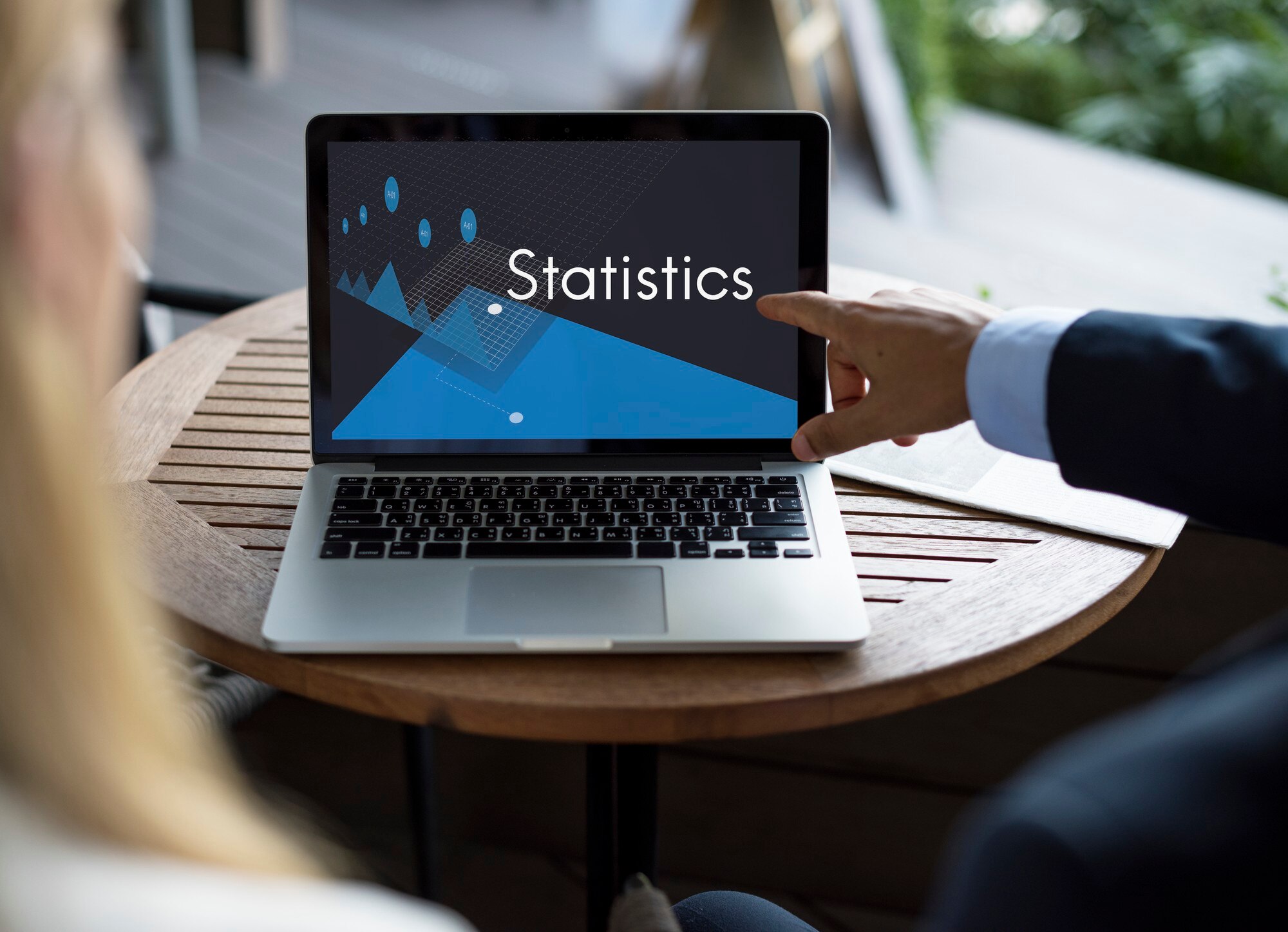
Understanding Website Analytics
Updated focus: Analytics exists to improve your website — offers, page layouts, and CTAs — not vanity charts. Pair numbers with design changes and stronger contact forms. Local teams should also track landing pages used in influencer campaigns.
What is Website Analytics?
Website analytics is the process of collecting and analyzing data about your website's performance. This includes information about who visits your site, what they do while they're there, and how they interact with your content. Tools like Google Analytics offer insights into these behaviors, helping you understand your audience better. These tools track data such as page views, user demographics, and traffic sources, giving you a comprehensive view of your website's performance.
Importance of Analytics for Small Businesses
For small businesses, website analytics is crucial. It provides valuable insights that help you make informed decisions about your online presence. By understanding how visitors interact with your site, you can identify areas for improvement and capitalize on what's working well. This can lead to increased customer engagement and higher conversion rates. Additionally, analytics can help you tailor your marketing strategies to better meet the needs of your audience, ensuring that your efforts are both efficient and effective. The FTC offers resources on how small businesses can protect and optimize their operations, including using data effectively.
Key Metrics to Track
To make the most of your analytics, focus on tracking key metrics. Start with traffic sources to understand where your visitors are coming from. Are they finding you through search engines, social media, or direct visits? Next, look at bounce rate, which shows the percentage of visitors who leave your site after viewing only one page. A high bounce rate might indicate that your content isn't engaging enough. Another important metric is conversion rate, which measures how many visitors take a desired action, like making a purchase or signing up for a newsletter.
Monitoring these metrics regularly can help you improve your website's performance. If you're unsure where to begin, feel free to contact us for guidance on optimizing your site's analytics.
Setting Up Your Analytics Tools
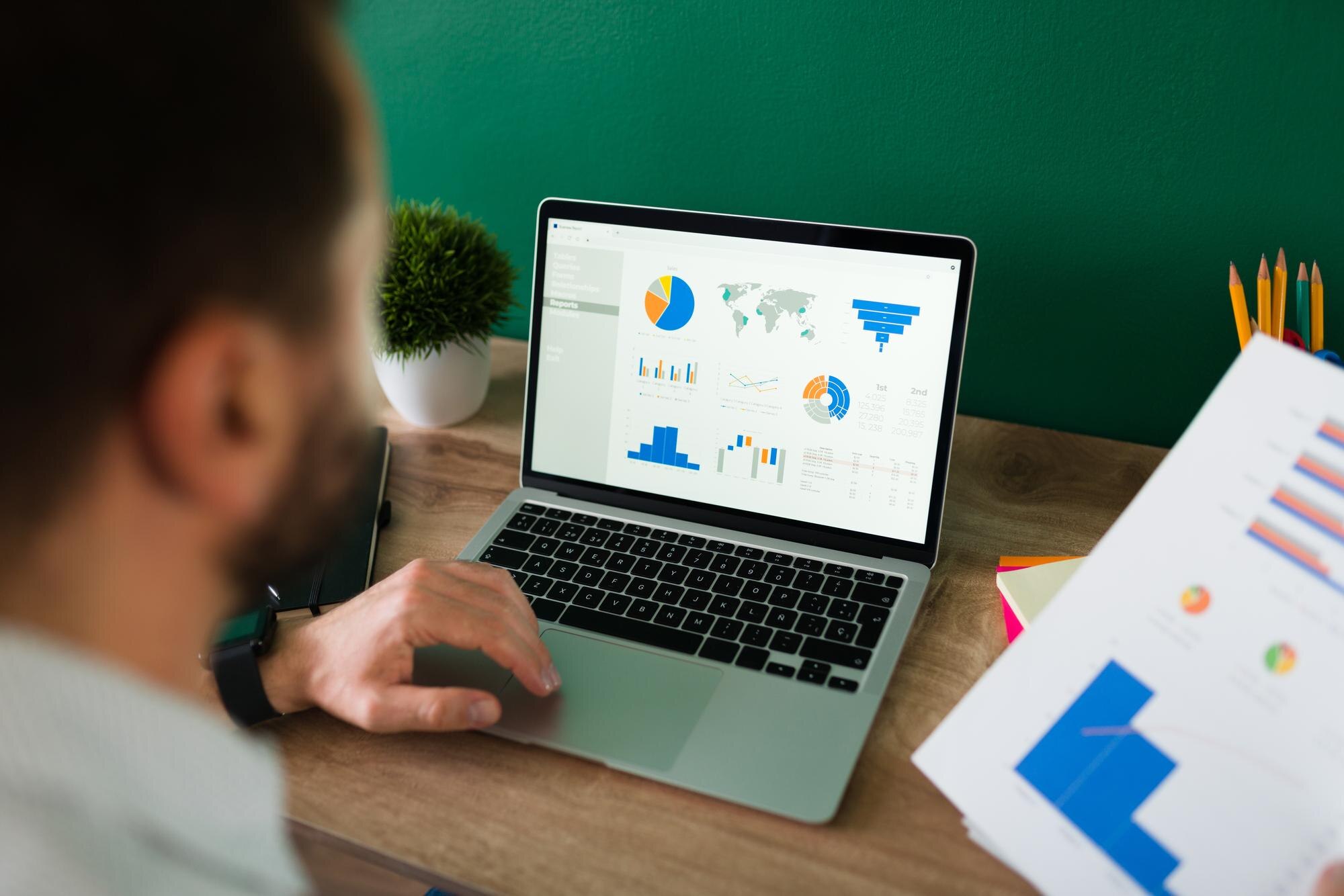
To make your small business website successful, setting up analytics tools is crucial. These tools help you understand how visitors interact with your site, which can inform better business decisions. Let's dive into how you can set up these tools effectively.
Choosing the Right Analytics Platform
Choosing the right analytics platform is the first step. Many small businesses opt for free or low-cost options that offer essential features. Google Analytics is a popular choice because it's free and easy to use. It offers detailed insights into web traffic, user behavior, and conversion rates. Another option is Matomo, which provides strong privacy features and is open-source. Consider your business needs, budget, and the level of detail you require when selecting a platform.
Installing Tracking Codes
Once you've chosen a platform, the next step is installing tracking codes on your website. These codes collect data about your site visitors. Most analytics platforms will guide you on how to do this. Usually, it involves copying a snippet of code and pasting it into your website's header or using a plugin if you have a content management system like WordPress.
- Google Analytics: Log in to your account, create a property for your website, and get the tracking ID. Then, add the tracking code to your site's header.
- Matomo: Follow similar steps to get a tracking code and install it on your site.
If you're unsure about installing tracking codes, you might consider reaching out to your web host for guidance. Many hosting services offer support or have tutorials available to help beginners.
Configuring Your Dashboard
After installing tracking codes, configure your analytics dashboard to display the most relevant data. This step helps you focus on metrics that matter most to your business goals. Common metrics include page views, bounce rate, and conversion rate. Setting up custom reports can offer insights into specific areas like sales or user engagement.
- Identify Key Metrics: Decide which data is most important for your business. For example, an online store may focus on conversion rates and cart abandonment.
- Create Custom Reports: Most platforms allow you to create custom reports that focus on particular details like user demographics or traffic sources.
- Set Goals: Define what success looks like for your website. This could be increasing the number of visitors, boosting sales, or reducing bounce rates.
Configuring your dashboard ensures that you can quickly access the data that matters most. Regularly reviewing your analytics will help you adapt and optimize your website for better performance.
Interpreting Your Data

Understanding your website analytics can be the key to boosting your small business success. By carefully examining the data available, you can make informed decisions that improve your website's performance and enhance your business growth. Let's explore how to interpret this data effectively.
Reading Traffic Reports
Traffic reports provide insights into how many visitors your website receives and where they are coming from. Start by looking at the total number of visitors over a specific period. Are there spikes during certain times? This can indicate the effectiveness of your marketing efforts or seasonal interest in your products or services. Additionally, examine the sources of your traffic. Are visitors finding you through search engines, social media, or direct visits? Understanding these sources helps you focus your marketing strategies more effectively.
Analyzing User Behavior
Knowing what your visitors do once they reach your site is crucial. User behavior data can show you which pages are the most popular and how long visitors stay on your site. Look at metrics such as page views, bounce rate, and average session duration. A high bounce rate may suggest that visitors aren't finding what they're looking for. Consider improving the content or design of those pages. Tools like Google Analytics can provide detailed insights into user behavior.
Identifying Trends and Patterns
Identifying patterns in your data can help you anticipate changes and adapt your strategies accordingly. For instance, if you notice a consistent increase in mobile traffic, it may be time to optimize your website for mobile devices. Look for patterns in sales, customer inquiries, or other key performance indicators. By recognizing these trends early, you can stay ahead of the competition and better meet your customers' needs.
Interpreting your website's analytics doesn't have to be overwhelming. By focusing on these key areas, you can gain valuable insights that drive your small business forward. For more information on how analytics can benefit your business, the U.S. Small Business Administration offers resources and guidance for small business owners.
Optimizing Your Website for Better Performance

As a small-business owner, you want your website to work smoothly and efficiently. Optimizing your website not only improves user experience but also helps in achieving better search engine rankings. Here are key areas to focus on for better website performance.
Improving Page Load Speed
Page load speed is crucial for keeping visitors on your site. If your website takes too long to load, potential customers might leave before they even see what you offer. Here are some tips to improve load speed:
- Compress Images: Large images can slow down your website. Use tools to compress images without losing quality.
- Minimize HTTP Requests: Reduce the number of elements on your page, such as scripts and images, to decrease loading time.
- Enable Browser Caching: This allows returning visitors to load your site faster by saving elements of your site in their browser.
- Use a Content Delivery Network (CDN): A CDN can distribute your content across various servers worldwide, speeding up access for users.
You can use tools like Google PageSpeed Insights to test your website's speed and get suggestions for improvement.
Enhancing Mobile Responsiveness
More people are using mobile devices to browse the Internet than ever before. Ensuring your website is mobile-friendly is essential. A responsive website adjusts its layout based on the device being used, providing a better experience for mobile users. Here's how you can enhance your site's mobile responsiveness:
- Use Responsive Design: Implement a design that automatically adjusts to different screen sizes.
- Optimize Touch Elements: Make buttons and links easy to tap with a finger.
- Test on Various Devices: Check your website on different smartphones and tablets to ensure it looks good everywhere.
For more tips on mobile optimization, check out the Mobile First design approach.
Streamlining Navigation
Easy navigation is key to retaining visitors and encouraging them to explore your site further. Here are some ways to streamline your website's navigation:
- Simplify the Menu: Limit the number of menu items to the most essential pages.
- Use Descriptive Labels: Ensure menu labels are clear and descriptive so users know what to expect.
- Implement a Search Bar: Add a search feature to help users find what they're looking for quickly.
- Ensure Consistency: Keep navigation elements consistent across all pages to avoid confusion.
By optimizing these aspects of your website, you can enhance user experience and improve your site's performance in search engine rankings. This will help drive more traffic and ultimately lead to greater success for your small business.
Utilizing SEO to Boost Visibility

Improving your small business website's visibility is essential for attracting more visitors and potential customers. Search Engine Optimization (SEO) is a powerful tool that can help achieve this goal. Let's explore some practical ways to use SEO to enhance your website's presence.
Keyword Research Basics
Keyword research is the foundation of any successful SEO strategy. It involves identifying the words and phrases that potential customers use to find products or services like yours. Start by brainstorming a list of relevant terms and then use online tools to discover their search volume and competition. Aim for keywords that have a high search volume but low competition to increase your chances of ranking higher. For more insights, you can explore resources like Search Engine Journal's guide on keyword research.
On-Page SEO Techniques
On-page SEO refers to the optimization of individual web pages to rank higher and earn more relevant traffic. It includes elements like title tags, meta descriptions, and header tags. Ensure that each page on your site has a unique title and meta description that includes your target keywords. Use header tags (H1, H2, H3) to structure your content, making it easy for search engines and users to navigate. Additionally, optimize your images by using descriptive file names and alt text.
Building Quality Backlinks
Backlinks are links from other websites that point to your site. They are crucial because they signal to search engines that your content is trustworthy and valuable. Focus on acquiring backlinks from reputable sources related to your industry. You can achieve this by creating high-quality content that others want to link to, such as informative blog posts or engaging infographics. Additionally, consider reaching out to industry partners or participating in online forums to naturally build your backlink profile. For more strategies, refer to the Moz Beginner's Guide to Link Building.
By mastering these SEO techniques, you can significantly improve your small business website's visibility, attract more visitors, and ultimately drive success.
Leveraging Social Media Insights

Social media is a powerful tool for small businesses to connect with customers and drive website traffic. By understanding how to track and analyze social media insights, you can enhance your website's success. Here’s how you can make the most of social media data.
Tracking Social Media Traffic
Start by using tools like Google Analytics to track how visitors from social media platforms interact with your website. This can help you understand which platforms are driving the most traffic and which content is most engaging. Look for the "Acquisition" section in Google Analytics, where you can see a breakdown of traffic sources, including social media. For more detailed insights, consider using Twitter Analytics or Facebook Business Suite to track user interactions and referral traffic.
Engagement Metrics to Monitor
Monitoring engagement metrics is crucial to understanding your audience's behavior and preferences. Key metrics include likes, shares, comments, and click-through rates. These indicators show how well your content resonates with your audience. High engagement rates often lead to more website visits as users are likely to explore further. Additionally, pay attention to the time and days when your audience is most active, as this can guide your posting schedule for maximum impact.
Integrating Social Media with Website Analytics
Integrating social media insights with your website analytics can provide a comprehensive view of your online performance. Tools like Google Tag Manager can help you set up tracking for specific events, such as form submissions or product purchases, initiated from social media traffic. This integration allows you to see the entire customer journey from a social media post to a conversion on your site. By combining these insights, you can refine your marketing strategies, improve content, and ultimately, enhance your website’s success.
By leveraging social media insights effectively, you can boost your small business's online presence and drive more meaningful traffic to your website. Understanding and acting on these metrics is key to staying competitive in today's digital landscape.
Making Data-Driven Decisions
Running a small business website successfully requires making informed decisions based on data. By using analytics, you can fine-tune your strategies and improve your website's performance. Here are some ways to use data to drive your business forward.
Setting Goals and KPIs
Setting clear goals and key performance indicators (KPIs) is crucial for understanding how your website is performing. Goals can include increasing website traffic, boosting online sales, or improving customer engagement. KPIs help measure progress towards these goals. For example, if your goal is to increase sales, a KPI might be the conversion rate from website visitors to customers. Regularly review these metrics to see where improvements can be made.
A/B Testing Strategies
A/B testing is a powerful way to find out what works best on your website. By creating two versions of a webpage (Version A and Version B) and directing equal traffic to each, you can compare which version performs better. This could involve testing different headlines, images, or call-to-action buttons. Tools like Google Optimize can help you set up and track A/B tests. By continuously testing, you can make data-driven decisions to enhance user experience and increase conversions.
Adjusting Marketing Strategies Based on Data
Analytics can also guide your marketing strategies. Look at which channels drive the most traffic and conversions. If social media is a strong performer, consider increasing your efforts there. On the other hand, if email marketing shows low engagement, it might need a new approach. Tools like Google Analytics provide insights into user behavior and traffic sources, helping you allocate resources effectively.
By using analytics to guide your decisions, you can ensure your website is working hard for your business. Remember, the key is to continually monitor, test, and adjust your strategies based on real data. This proactive approach will help you stay ahead in the competitive online market.
Continuous Improvement and Learning
Regularly Reviewing Analytics
To ensure your small business website remains successful, it's important to regularly review your analytics. This means checking metrics like website traffic, bounce rates, and conversion rates. By understanding these numbers, you can identify what's working and what needs improvement. For instance, if you notice a high bounce rate on specific pages, it might be time to revise the content or improve the user experience. Regular reviews help you make informed decisions that keep your website performing well.
Staying Updated with Industry Trends
The digital world is constantly evolving, and staying updated with the latest industry trends is crucial for maintaining a competitive edge. This includes changes in search engine algorithms, advancements in technology, and shifts in consumer behavior. Following reputable sources such as the Federal Trade Commission (FTC) can provide insights into regulatory updates that may affect your business. Also, staying informed about new tools and strategies in digital marketing will help you adapt and thrive.
Investing in Further Education
Investing in further education can greatly benefit your business. This doesn't necessarily mean going back to school; it could involve attending webinars, workshops, or online courses. Many platforms offer free or affordable courses on topics like SEO, digital marketing, and website management. These resources can equip you with the skills needed to effectively manage your website and online presence. Consider checking out resources on digital marketing strategies to enhance your knowledge.
By focusing on continuous improvement and learning, your small business can stay ahead in the competitive online environment. Regularly reviewing analytics, staying updated with industry trends, and investing in education are all key components of a successful strategy. These practices not only help in maintaining your website's performance but also empower you to make proactive decisions that drive growth and success.
Related reading from K-Wired
Sources and further reading
- https://k-wired.com/contact.html
- https://analytics.google.com/
- https://matomo.org/
- https://analytics.google.com
- https://www.sba.gov
- https://developers.google.com/speed/pagespeed/insights/
- https://www.usability.gov/what-and-why/mobile-first.html
- https://www.searchenginejournal.com/keyword-research/
- https://analytics.twitter.com
- https://business.facebook.com
- https://www.google.com/analytics/optimize/
- https://support.google.com/analytics/answer/1008015?hl=en