Understanding Website Security
What is Website Security?
Website security involves measures to protect websites from unauthorized access, use, or damage. This includes securing sensitive data, protecting against cyber threats, and ensuring proper website functionality. Common security measures include using strong passwords, installing security plugins, and applying regular software updates. A secure website not only protects the business but also boosts customer trust.
Importance of Website Security for Small Businesses
For small businesses, maintaining website security is crucial. A secure website protects both business data and customer information from cyber attacks like hacking, malware, and phishing. Small businesses are often targeted due to fewer resources for security, making them more vulnerable. A security breach can result in financial loss, damage to reputation, and loss of customer trust.
Implementing basic security measures can prevent many common threats. Using a secure hosting provider and installing an SSL certificate are essential steps. These measures help encrypt data and secure online transactions, which is particularly important for e-commerce. For more tips on selecting secure hosting, explore resources from CISA, the Cybersecurity and Infrastructure Security Agency.
Small businesses can benefit from professional help to evaluate their security needs. Employing a security expert or using managed security services can provide tailored solutions and continuous monitoring. For further assistance and personalized advice, check out our contact page.
Ensuring website security involves compliance with regulations such as the General Data Protection Regulation (GDPR) and other local laws. Adhering to these regulations can help avoid legal penalties and enhance customer confidence. The Federal Trade Commission (FTC) provides guidelines and resources to help businesses comply with these rules.
In summary, understanding and prioritizing website security is vital for small businesses. By implementing strong security measures, businesses can protect their assets, comply with regulations, and build a trustworthy brand in the digital world.
Common Website Threats
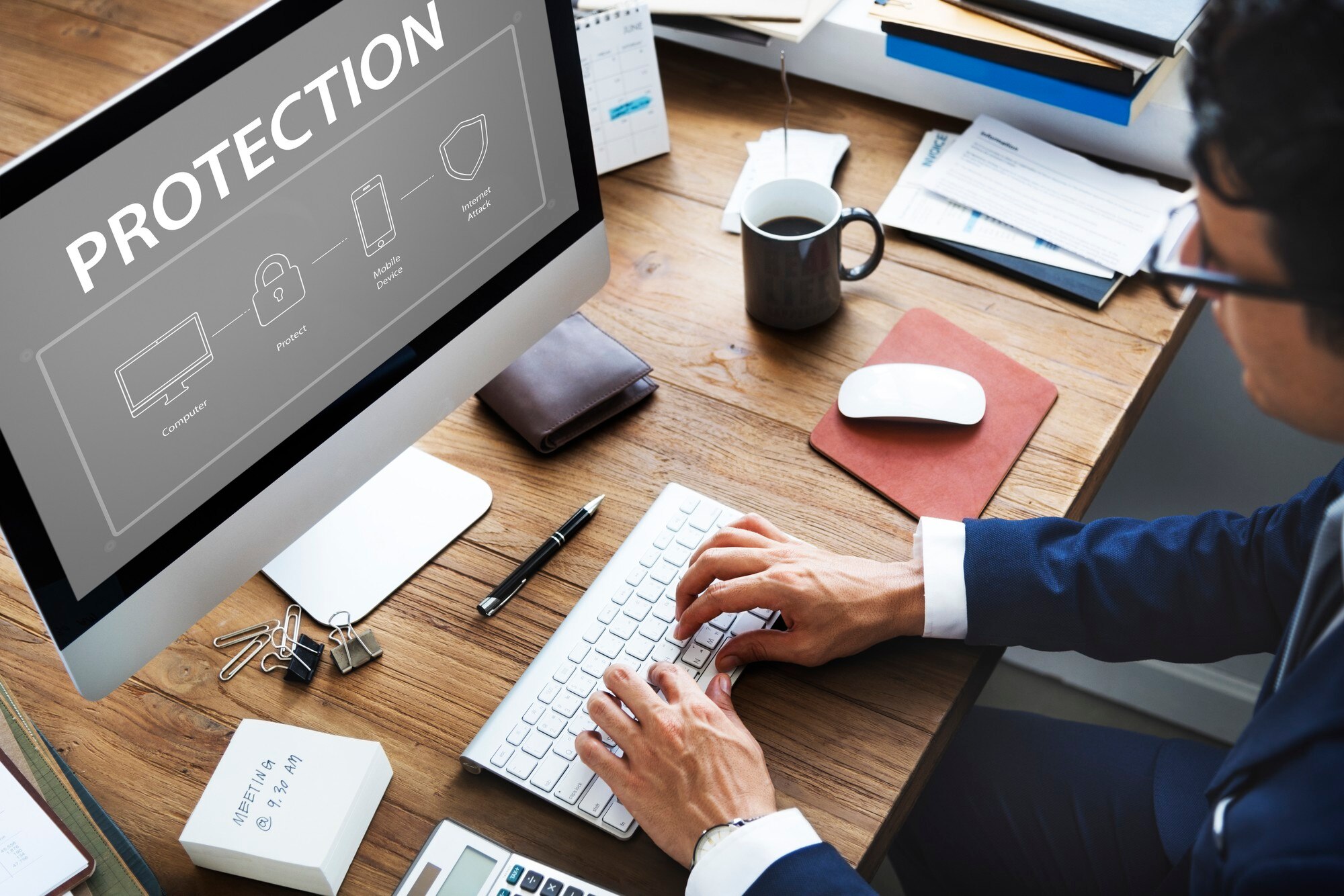
As a small business owner, it's vital to understand the various threats that can target your website. Knowing these threats can help you take steps to protect your business online. Here are some of the most common website threats you should be aware of:
Malware Attacks
Malware, short for malicious software, is designed to harm or exploit any device, service, or network. It can take many forms, including viruses, worms, Trojan horses, and spyware. Once a website is infected, malware can steal sensitive information, damage files, or even take control of your website. Regularly updating your software and using reliable security plugins can help protect your website from malware attacks.
Phishing Scams
Phishing scams involve cybercriminals tricking individuals into revealing sensitive information, such as passwords or credit card numbers. These scams often appear as legitimate emails or messages from trusted sources. Educating yourself and your employees about recognizing phishing attempts can help protect your business. For more detailed guidance, you can visit the Federal Trade Commission's website.
DDoS Attacks
Distributed Denial of Service (DDoS) attacks aim to overwhelm a website with a flood of traffic, causing it to slow down or become completely inaccessible. These attacks can lead to lost revenue and damage to your brand's reputation. Implementing a robust hosting plan that includes DDoS protection can help mitigate this risk. Many hosting providers offer services specifically designed to protect against DDoS attacks.
Data Breaches
Data breaches occur when unauthorized individuals access confidential information. This can result in financial loss, legal consequences, and a loss of customer trust. To prevent data breaches, ensure that your website uses strong encryption methods and regularly update all security protocols. Additionally, it's crucial to comply with data protection regulations, such as the General Data Protection Regulation (GDPR) if you have customers in the European Union. For more information on data protection, you can visit the Federal Communications Commission's page on data privacy and security.
Choosing a Secure Hosting Provider
Features to Look For
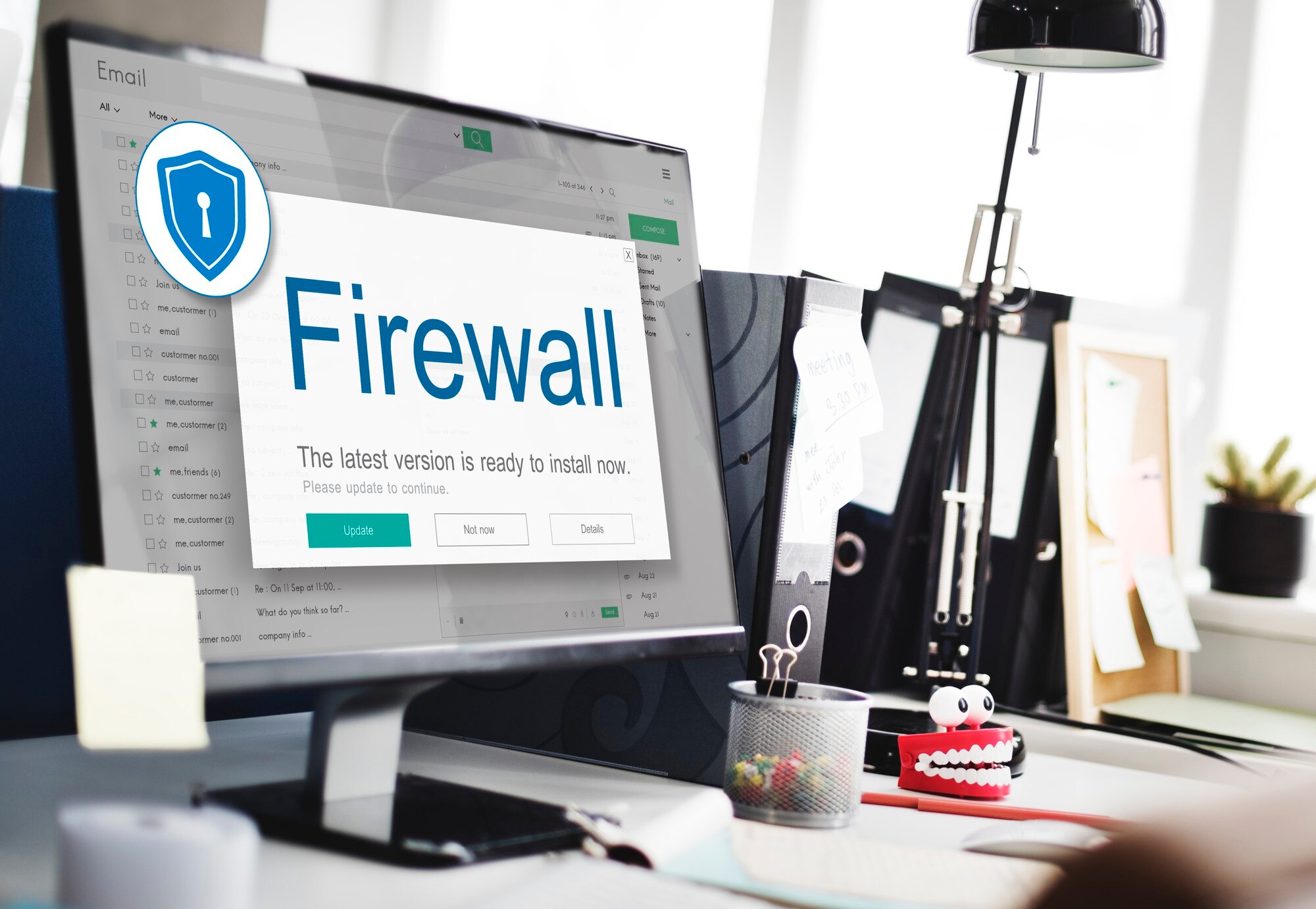
When selecting a hosting provider, security should be a top priority. Look for providers that offer SSL certificates, which encrypt data and protect sensitive information. Regular backups are also crucial, ensuring that your data can be restored in case of any mishaps. Additionally, opt for a provider that offers firewall protection and malware scanning to safeguard your website from malicious attacks.
Another important feature is a secure file transfer protocol, such as SFTP, which helps prevent data breaches during file uploads. Some hosts offer DDoS protection to guard against attacks that can overwhelm your site with traffic. It is also wise to choose a provider that supports two-factor authentication for an added layer of security.
Affordable Hosting Options
Many small businesses operate on tight budgets, so finding an affordable hosting provider is essential. Shared hosting plans are typically the most cost-effective, where your website shares server resources with other sites. However, it's important to ensure that the provider still offers solid security measures.
For businesses needing more control and security, Virtual Private Server (VPS) hosting can be a good middle ground. VPS hosting is more expensive than shared hosting but often provides better performance and enhanced security features. PCMag offers a comprehensive review of various hosting options that cater to different needs and budgets.
Reputation and Reviews
Before committing to a hosting provider, research their reputation. Reading reviews from other small-business owners can provide insights into the provider’s reliability and customer service. Check if they have a history of data breaches or frequent downtimes, which could impact your business.
Reputable sources like the Federal Trade Commission can also offer guidance on choosing secure and trustworthy services. A provider with positive feedback for its security measures and responsive support team is likely a safer choice for your business.
In conclusion, selecting the right hosting provider involves balancing cost with essential security features. By focusing on providers that offer comprehensive security measures, affordable plans, and a solid reputation, you can better protect your small business online.
Implementing SSL Certificates
What is an SSL Certificate?
An SSL (Secure Sockets Layer) certificate is a digital certificate that authenticates a website's identity and enables an encrypted connection. This technology ensures that any data exchanged between the user's browser and your website remains private and secure. SSL certificates are essential for protecting sensitive information, such as credit card numbers and personal details.
Benefits of SSL for Small Businesses
SSL certificates offer several benefits for small businesses that are crucial for maintaining a secure and trustworthy online presence.
- Data Protection: SSL encrypts the data transferred between your website and its visitors, ensuring that sensitive information like customer details and payment information is protected from hackers.
- Trust and Credibility: Websites with SSL certificates display a padlock icon in the browser's address bar, signaling to visitors that the site is secure. This visual cue builds trust and can increase customer confidence in your business.
- SEO Advantages: Search engines favor secure websites. Implementing SSL can positively impact your site's search engine ranking, making it easier for potential customers to find you online.
- Compliance: For businesses that handle sensitive information, SSL is often a requirement to comply with industry standards and regulations. For example, if your business handles credit card information, you must follow the Payment Card Industry Data Security Standard (PCI DSS).
Implementing an SSL certificate is a straightforward process. Many web hosting providers offer SSL certificates as part of their hosting packages. When choosing a provider, ensure they offer this feature, as it is vital for securing your website. If your current provider does not offer SSL, you can purchase one separately from a trusted certificate authority.
By securing your website with an SSL certificate, you protect your business and customers, improve your search engine visibility, and establish trust with your audience. For more details on SSL certificates and how they work, you can visit the SSL.com FAQ page.
Regular Website Maintenance
Maintaining your website is crucial for keeping it secure and running smoothly. Regular updates, backups, and security monitoring are essential tasks that help protect your small business online. Let's explore why these elements are important and how you can implement them effectively.
Importance of Updates
Keeping your website software up to date is one of the simplest and most effective ways to enhance security. Software developers regularly release updates to fix security vulnerabilities and improve functionality. If your website runs on a content management system (CMS) like WordPress or Joomla, ensure that both the core software and any plugins or themes are updated promptly.
Outdated software is a common target for hackers who exploit known vulnerabilities. Regularly updating your software reduces this risk significantly. It's a good practice to schedule regular checks for updates and apply them as soon as they're available. For more information on the importance of software updates, you can visit the FTC's guide on business security.
Backup Solutions
Backing up your website is essential in case something goes wrong, such as a cyberattack, server failure, or accidental deletion. A good backup solution ensures that you can quickly restore your website to its previous state with minimal downtime and data loss.
- Automatic Backups: Set up automated backups to save time and ensure consistency. Many hosting providers offer this feature, or you can use third-party services.
- Frequency: Determine how often you need to back up your website. For active sites with frequent updates, daily backups might be necessary, while less active sites could be backed up weekly.
- Storage: Store backups in multiple locations, such as on a cloud service and an external hard drive, to safeguard against data loss.
Monitoring Website Security
Monitoring your website's security helps you detect and respond to threats quickly. Implementing security monitoring tools can alert you to suspicious activity, unauthorized access attempts, or malware infections.
Many security plugins and services offer real-time monitoring and alerts, which can be invaluable for small business owners who need to focus on running their business rather than constantly checking their website. Consider using services that specialize in website security monitoring to keep your site safe. You can learn more about protecting your business online by visiting resources like the Small Business Administration's cybersecurity guide.
By staying on top of updates, maintaining regular backups, and monitoring your website's security, you can protect your small business from many common online threats. Regular website maintenance is a proactive step toward securing your online presence and ensuring your business continues to thrive.
User Access Management
Managing who can access your website is crucial for keeping your small business secure online. User access management involves setting up secure ways for people to log in and determining what they can do once inside. Here are some key strategies to consider.
Creating Strong Passwords
The first step in protecting your website is ensuring that everyone uses strong passwords. A strong password typically includes a mix of uppercase and lowercase letters, numbers, and special characters. Avoid using easy-to-guess words like "password" or your business name. Encourage your team to use password managers to generate and store complex passwords securely. For more tips on creating strong passwords, check out the FTC's password checklist.
Role-Based Access Control
Role-Based Access Control (RBAC) is a system that restricts access based on a person's role within your organization. This means that someone in your team can only access the parts of the website necessary for their job. For example, a content editor might only need access to the blog section, while a developer may need broader access. Implementing RBAC reduces the risk of accidental or malicious changes to your website.
Two-Factor Authentication
Two-Factor Authentication (2FA) adds an extra layer of security by requiring users to provide two different forms of identification before they can access your website. Usually, this involves something they know (like a password) and something they have (like a smartphone to receive a verification code). Enabling 2FA can significantly reduce the chances of unauthorized access. Learn more about how 2FA works from the Cybersecurity & Infrastructure Security Agency.
By implementing these user access management strategies, you can help protect your small business from online threats and ensure that your website remains a secure place for both your team and your customers.
Educating Your Team
Protecting your small business online involves more than just software and hardware solutions. It's essential to educate your team about cybersecurity to ensure everyone is equipped to handle potential threats. Let's explore some key areas where training can make a difference.
Security Training for Employees
Security training should be a regular part of your business operations. Start by organizing workshops or online courses that teach employees about the basics of cybersecurity. Topics can include understanding secure passwords, recognizing suspicious emails, and knowing how to report security concerns.
Employees should also be familiar with your company's specific security policies. This knowledge helps them understand their role in protecting sensitive information. Consider using resources from the Federal Trade Commission (FTC), which offers guides tailored for small businesses.
Recognizing Phishing Attempts
Phishing is one of the most common cyber threats. It involves tricking individuals into providing sensitive information, such as passwords or credit card numbers, by pretending to be a trustworthy entity. Training your employees to recognize phishing attempts is crucial.
- Look out for emails with urgent requests or threats.
- Check for generic greetings like "Dear Customer" instead of using your name.
- Be wary of links or attachments in unsolicited emails.
- Verify the sender's email address for authenticity.
Encourage employees to report suspicious emails immediately. The Cybersecurity and Infrastructure Security Agency (CISA) provides additional tips on identifying phishing scams.
Best Practices for Online Safety
Instilling best practices for online safety in your team can further enhance your business's security. Here are some tips to consider:
- Use strong, unique passwords for different accounts and change them regularly.
- Enable two-factor authentication (2FA) where possible for an added layer of security.
- Regularly update software and applications to protect against vulnerabilities.
- Limit access to sensitive information to only those who need it for their job.
By following these practices, your team can help safeguard your business from potential cyber threats. Regularly updating training programs ensures that employees stay informed about new threats and the latest security measures. This proactive approach can make a significant difference in maintaining the integrity and security of your small business online.
Leveraging Affordable Security Tools
Protecting your small business online doesn't have to break the bank. There are several affordable tools and strategies you can use to enhance your website's security. Here, we'll explore some of the best options, including free plugins, cost-effective services, and DIY measures.
Free Security Plugins
One of the easiest ways to boost your website's security is by using free security plugins. These plugins can help protect your site from common threats like malware and brute force attacks. For example, many content management systems (CMS) offer plugins that provide basic security features such as firewall protection and real-time monitoring. Always ensure that you keep these plugins updated to benefit from the latest security patches.
Cost-Effective Security Services
If you need more advanced protection, consider subscribing to a cost-effective security service. These services often offer features like advanced threat detection, automated backups, and secure data encryption. You can find reliable options that fit within a small business budget by comparing services from different providers. It's wise to look for security services that provide scalable solutions so you can adjust as your business grows. For more on choosing the right services, the FTC's cybersecurity resources offer helpful guidance.
DIY Security Measures
Implementing DIY security measures can also fortify your website. Start by creating strong, unique passwords for all your accounts. Regularly update your software and operating systems to patch vulnerabilities. Additionally, educate your team on recognizing phishing attempts and other scams. For businesses handling sensitive data, ensuring that your website uses HTTPS is crucial. This protocol encrypts data transferred between your site and its visitors, adding an extra layer of protection.
Incorporating these affordable security tools and practices can significantly enhance your small business's online safety. For more tips on optimizing your business's digital presence, visit our marketing section.
Sources and further reading
- https://k-wired.com/contact.html
- https://www.ftc.gov/tips-advice/business-center/privacy-and-security
- https://www.consumer.ftc.gov/articles/how-recognize-and-avoid-phishing-scams
- https://www.pcmag.com/picks/the-best-web-hosting-services
- https://www.consumer.ftc.gov/
- https://www.pcisecuritystandards.org/
- https://www.ftc.gov/tips-advice/business-center/guidance/start-security-guide-business
- https://www.sba.gov/business-guide/manage-your-business/stay-safe-cybersecurity-threats
- https://www.cisa.gov/uscert/ncas/tips/ST04-014
- https://www.ftc.gov/tips-advice/business-center/small-businesses/cybersecurity
- https://k-wired.com/marketing.html