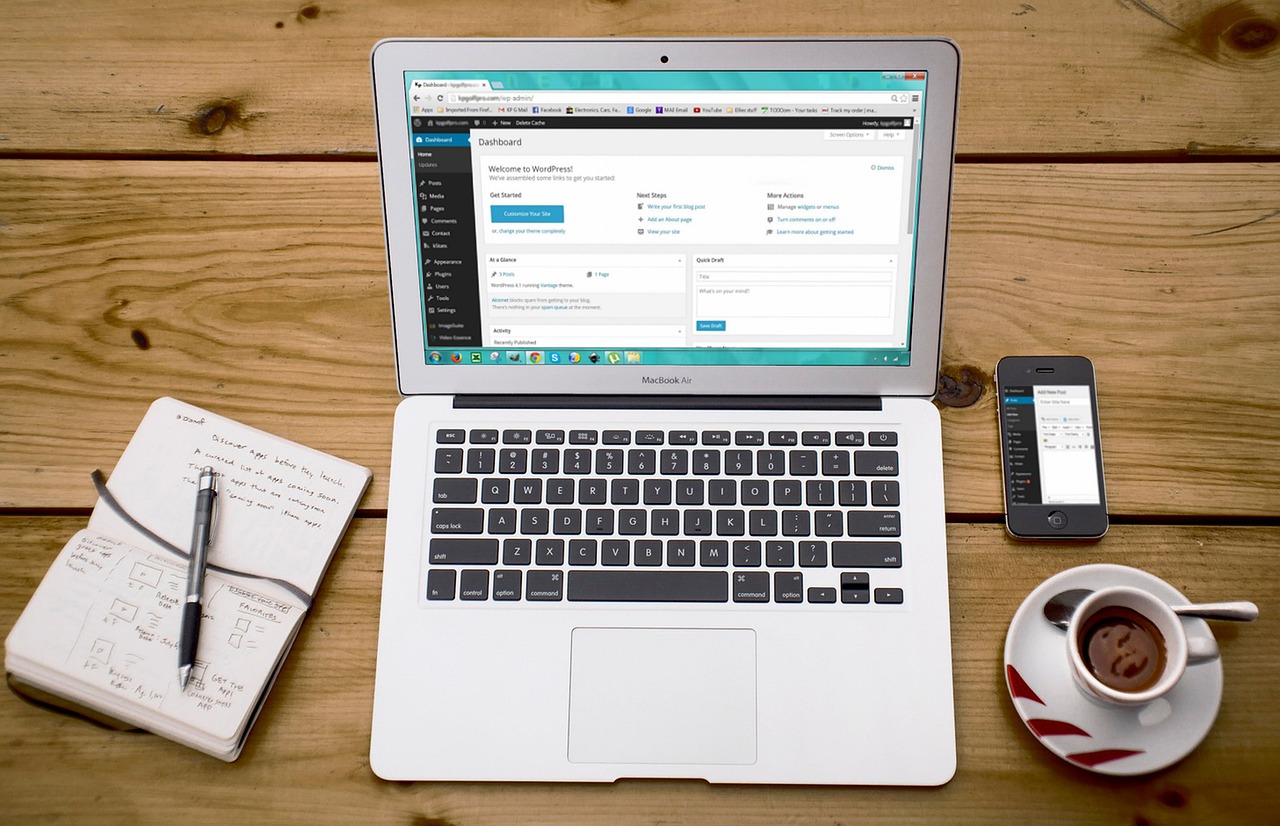
Understanding User Experience
What is User Experience?
User experience, often abbreviated as UX, refers to how a person feels when interacting with a website or digital product. It encompasses everything from the design, usability, accessibility, and overall satisfaction a user gets from a site. A positive UX means visitors can easily find what they need and enjoy their time on your site. For more on the basics of UX, you can check resources from the U.S. government’s usability site.
Importance for Small Businesses
For small businesses, a good user experience can make a significant difference. It helps in building trust and credibility with potential customers. A well-designed website encourages visitors to explore more and increases the chances of them becoming paying customers. Additionally, a smooth UX can lead to better search engine rankings, which means more visibility and traffic. Learning how to enhance your online presence can be crucial; you can explore more about effective marketing strategies for small businesses.
Common User Experience Pitfalls
- Slow Loading Times: Users expect websites to load quickly. If your site is slow, they may leave before it fully loads, increasing your bounce rate.
- Complicated Navigation: If visitors can't find what they're looking for easily, they might get frustrated and leave. Ensure your site has a clear and intuitive navigation structure.
- Poor Mobile Optimization: With more people using smartphones to browse the internet, it's crucial that your website is mobile-friendly. A site that doesn't work well on mobile devices can turn away potential customers.
- Cluttered Design: A website with too many elements can overwhelm users. Keep the design clean and focus on what’s important.
By understanding these common pitfalls and focusing on creating a seamless user experience, small business owners can improve their website’s effectiveness and appeal to more customers. For additional insights, visiting FTC's business guidance can be helpful.
Choosing the Right Website Platform

Selecting the right website platform is crucial for enhancing user experience. It can affect everything from ease of use to how well your website performs. Here are some options to consider:
Affordable Website Builders
For small business owners on a budget, affordable website builders are a great choice. These platforms often provide drag-and-drop interfaces, making it easy to create a professional-looking site without coding skills. Popular options include services like Wix and Squarespace. They offer a range of templates that can be customized to fit your brand's needs.
Content Management Systems
If you need more control over your website’s content and design, a content management system (CMS) might be a better fit. A CMS allows you to manage, edit, and publish content efficiently. WordPress is the most popular CMS, powering over 40% of all websites. It offers a wide range of plugins and themes to enhance functionality and design. For more information on how CMS platforms work, you can visit the Federal Communications Commission website.
E-commerce Solutions
If your business involves selling products online, consider an e-commerce platform. These solutions are designed to handle online sales, inventory management, and payment processing. Shopify and BigCommerce are popular choices for small businesses looking to set up an online store quickly. They offer a variety of tools to help you manage your products and transactions securely. For more insights on starting an e-commerce business, you might find the Federal Trade Commission guidelines helpful.
By choosing the right platform, you can ensure that your website meets your business needs while providing an excellent user experience. Consider your budget, technical skills, and business goals when making your decision.
Optimizing Website Performance

Enhancing your website's performance is crucial for providing a smooth user experience. A fast and responsive site not only keeps visitors happy but also improves your search engine rankings. Let's explore some key areas to focus on.
Page Load Speed
Page load speed is essential for retaining visitors on your site. A slow-loading website can frustrate users and lead them to leave before exploring your offerings. To improve load speed, consider using a reliable hosting provider and implementing caching techniques. Additionally, Google PageSpeed Insights is a helpful tool for identifying areas of improvement and optimizing your site's performance.
Mobile Responsiveness
With more people accessing the web via smartphones and tablets, ensuring your site is mobile-friendly is a must. Mobile responsiveness means your website automatically adjusts to fit the screen size of any device, providing a seamless experience for all users. Utilize responsive design frameworks or themes to achieve this, and regularly test your site on various devices. The FCC offers resources on mobile broadband to help you understand the mobile landscape better.
Image Optimization
Images can significantly impact your site's performance if not optimized correctly. Large, uncompressed images can slow down page load times, affecting user satisfaction. To optimize images, use formats like JPEG or PNG and compress them without sacrificing quality. Tools like TinyPNG or image editing software can help reduce file sizes effectively.
By focusing on these areas, you can ensure your business website is fast, responsive, and efficient. This not only enhances user experience but also contributes positively to your SEO efforts, helping your site rank better in search engine results.
Effective Navigation Strategies

Enhancing user experience on your business website involves creating a seamless navigation system. A well-organized website helps visitors find the information they need quickly and easily, encouraging them to stay longer and engage more with your content. Here are some effective navigation strategies to consider.
Clear Menu Structures
The first step in creating an effective navigation system is to design a clear and straightforward menu structure. Keep your menu simple with concise labels that accurately describe the content. Use categories that are intuitive and easy to understand. For example, instead of using technical jargon, opt for common terms that your audience will recognize. According to the U.S. General Services Administration, a well-designed menu helps users navigate your site with confidence.
Breadcrumb Navigation
Breadcrumb navigation is a secondary navigation aid that shows users their location on a website. It provides a trail for users to follow back to the starting or entry point of a website. This type of navigation is especially useful for websites with a large number of pages or complex structures. Breadcrumbs reduce the number of actions a visitor needs to take to get to a higher-level page and are recommended by Nielsen Norman Group for improving user experience.
Search Functionality
Implementing a search function is crucial for helping visitors quickly find what they are looking for, especially on content-rich websites. Ensure the search bar is prominently placed and easy to use. Features like autocomplete and filters can enhance the search experience, allowing users to refine their results. A well-implemented search function can significantly improve user satisfaction and retention.
By focusing on these navigation strategies, you can create a user-friendly website that enhances the overall experience for your visitors. A well-structured site not only keeps users engaged but also contributes to better search engine optimization, making your business more discoverable online.
Utilizing SEO for Better Visibility

Improving your website's search engine optimization (SEO) is key to enhancing user experience and ensuring your business is visible online. Here are some practical tips to help you get started.
Keyword Research Basics
Keyword research is the foundation of any SEO strategy. Start by identifying terms and phrases that potential customers might use to find your business. Use tools like Google's Keyword Planner to discover popular and relevant keywords in your industry. Focus on long-tail keywords, which are more specific and usually less competitive, making it easier for small businesses to rank higher.
On-Page SEO Techniques
On-page SEO involves optimizing individual pages on your website. Begin by incorporating your chosen keywords naturally into your content, including in headings and subheadings. Make sure to use descriptive meta tags and alt text for images to help search engines understand your content better. Additionally, ensure your website is mobile-friendly, as more people are using smartphones to browse the web. You can find tips on Google's mobile-friendly guidelines.
Local SEO Strategies
For small businesses, local SEO is crucial. Claim and optimize your Google My Business listing to ensure your business appears in local searches. Encourage satisfied customers to leave positive reviews, as they can boost your local search ranking. Additionally, make sure your business name, address, and phone number (NAP) are consistent across all online platforms. You can learn more about local SEO from the FTC's guidance on marketing your business online.
By focusing on these SEO strategies, your business can achieve better visibility on search engines, driving more traffic to your website and improving the overall user experience.
Engaging Content and Design

User-Friendly Layouts
Creating a user-friendly layout is essential for keeping visitors on your website. A clean and simple design helps users find information quickly. Use clear headings and subheadings to organize content logically. Ensure your navigation menu is easy to find and understand. For inspiration, look at popular sites with straightforward designs. Remember that a clutter-free design improves user experience and reduces bounce rates.
Compelling Calls to Action
Calls to action (CTAs) are crucial for guiding visitors toward desired actions, such as signing up for newsletters or purchasing a product. Make sure your CTAs are clear and visible. Use action-oriented language like "Get Started" or "Contact Us Today" to encourage engagement. The placement of CTAs matters too. Position them where users are most likely to see them without scrolling too much. For more tips on effective CTAs, check out Shopify's guide on CTAs.
Accessible Content
Accessibility is about making your website usable for everyone, including people with disabilities. Use alt text for images so screen readers can describe them to visually impaired users. Ensure your text has enough contrast with the background for readability. Providing transcripts for videos can also help. The Web Accessibility Initiative offers helpful guidelines for making your site accessible.
Enhancing user experience on your business website doesn't have to be expensive or complicated. By focusing on user-friendly layouts, compelling calls to action, and accessible content, you can create a site that attracts and retains visitors. If you need further assistance, feel free to contact us for professional advice.
Sources and further reading
- https://www.usability.gov/what-and-why/user-experience.html
- https://k-wired.com/marketing.html
- https://www.ftc.gov/tips-advice/business-center/guidance
- https://www.fcc.gov/
- https://www.ftc.gov/
- https://developers.google.com/speed/pagespeed/insights/
- https://www.fcc.gov/mobile
- https://www.usability.gov/
- https://www.nngroup.com/articles/breadcrumb-navigation-useful/
- https://developers.google.com/search/docs/essentials/mobile-friendly
- https://www.ftc.gov/tips-advice/business-center/guidance/marketing-your-mobile-app
- https://www.shopify.com/blog/call-to-action