
Usually, I recommend a mix of both.
When I build a website at K-Wired.com, I typically start with stock photography unless the client provides a large collection of usable photos from the beginning. My preference is to use stock photos or videos in hero sections, then work real business and job photos throughout the pages.
That combination gives me control over the design while making room to show the actual business.
The decision comes down to what each photo needs to accomplish. A wide background behind your headline has different requirements than a picture showing a finished bathroom remodel. Each deserves an image that fits its purpose.
Why I Often Use Stock Photos in Hero Sections
The hero section is the large introductory area near the top of a webpage. It usually contains the main headline, supporting information, and a way to contact the business.
There is a lot happening in that space. The image needs to support the layout, leave room for readable text, and look good across different screen sizes.
Stock photography gives me more options for finding that fit. I can choose an image with the right composition, colors, lighting, and available space. Stock video can serve a similar purpose when it fits the website.
This helps me maintain a consistent style across the hero sections instead of forcing every page to work around whatever photos happen to be available.
A client might send an excellent close-up of a repair. That image could be useful farther down the page, even if it cannot comfortably fill a wide background.
I explain more about those layout decisions in my article on what makes a homepage hero section get people to scroll and read.
Where Real Job Photos Earn Their Place
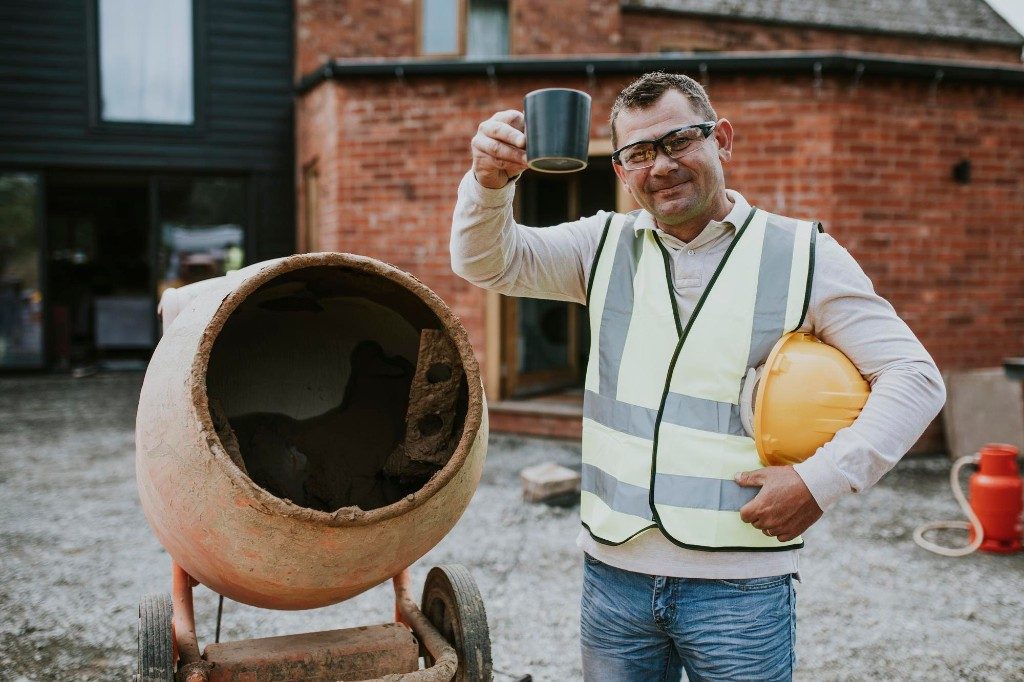
Real photos give me something specific to show visitors: the business, its surroundings, and the work it performs.
For local service companies, that might include completed projects, work in progress, the business location, or a vehicle with the company logo.
Those images help visitors connect the website to the people they might actually hire.
However, I still evaluate each photo before using it. I look for images that:
- Look appealing.
- Have enough quality for the intended placement.
- Show the subject clearly.
- Fit the service or section being discussed.
- Work with the surrounding design.
If a photo falls short, I ask the client for another one that fits. If they do not have one, I look for an appropriate stock alternative for that section.
Certain pages and sections need certain photos. Being a real job photo makes an image valuable, but it still needs a suitable place on the website.
Stock Photos Should Represent the Business Honestly
I draw the line at using stock photography to create a false impression.
I would avoid images that make a small local business look like a large operation with facilities, employees, or capabilities it does not have.
Likewise, a stock image should never be presented as a completed client project. A section labeled “Our Work” needs to show the company’s actual work.
The surrounding words matter. A general image illustrating a service creates a different expectation than that same image beneath a caption claiming the company completed the project.
This connects directly to my approach to building a persuasive services page without overpromising results. The photos and the copy should both represent what customers can reasonably expect.
I also try my best to choose photos I have permission to use in the way they will appear on the website. Finding the right-looking picture is only part of choosing an appropriate image.
Sometimes the Photo Sets the Mood

Stock photography does not always need to depict someone performing the service.
I work on insurance company websites, and I often receive requests for pictures of smiling people, groups enjoying an event, or people spending time outdoors.
Those images help establish the feeling the business wants to communicate without pretending to show its employees or completed work.
I actually have “happy people smiling outdoors” saved as one of my default searches. That search gets plenty of mileage.
For businesses like these, lifestyle photography can fit naturally. For a contractor’s project gallery, actual job photos have a much more specific role.
The business, the message, and the placement guide the choice.
What to Photograph When Your Business Is New
If you are starting with very few photos, begin collecting images at every job.
You can also photograph your business location and the surroundings that help show customers who you are. If your vehicle has your logo on it, take a clear photo of that too. That is one of the images I commonly ask clients to provide.
These are useful starting points:
- Photos showing the work performed at each job.
- Clear pictures of completed results.
- Images of your business location, where applicable.
- Your vehicle with the business logo visible.
You can build that collection as the business grows. Having more usable images gives your designer more choices for showing the business throughout the website.
How to Take More Useful Photos With Your Phone
My advice starts with something simple: clean your lens.
A dirty lens can spoil an otherwise useful photo before you even think about composition.
Then take a moment to frame the shot. Try to capture the entire subject so the important parts of the work are visible. Hold the phone steady and check the result before moving on.
My basic checklist is:
- Clean the lens before taking the photo.
- Use a high-quality camera setting.
- Capture the whole subject.
- Keep the phone steady to avoid blur.
- Review the image while you can still retake it.
An occasional imperfect photo can feel real and human. I am comfortable with one or two less polished images when the context suits them.
But I am much more selective about photos used as major design elements, especially in hero sections. A casual job update and a large homepage background have different demands.
Give Each Photo a Purpose

My usual approach is to combine stock photography that fits the design with real photography that shows the business.
When a client provides plenty of strong original images, I have more opportunities to use them. When the collection is limited, I work with what is available and ask for what is missing.
Choose images that fit the section, represent the business honestly, and help customers understand what they are looking at. Then keep taking photos as you work. Your next job might provide exactly the image your website needs.